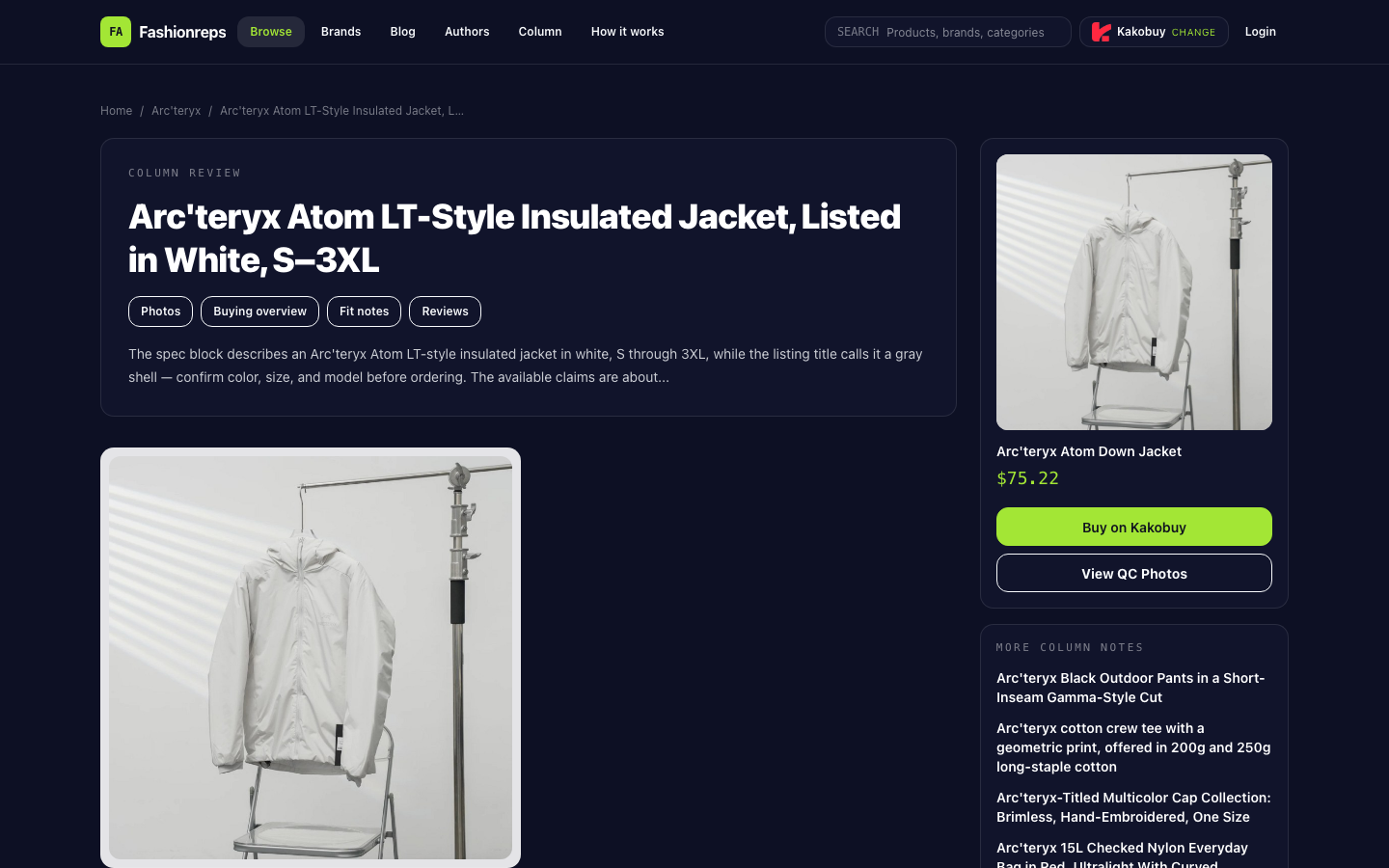
The key issue here is not whether the page opens, but whether the same item remains consistent across the product page, shopping cart, and checkout summary. The currently verifiable product page describes it as an Arc'teryx Atom LT style insulated jacket, with white and sizes S through 3XL shown in the specifications. However, the page title describes a gray shell. This conflict is enough to show that you should not pay until the color, size, and shell-to-liner relationship are confirmed. ## Loc
Editor score 4.2 / 5
The key issue here is not whether the page opens, but whether the same item remains consistent across the product page, shopping cart, and checkout summary. The currently verifiable product page describes it as an Arc'teryx Atom LT style insulated jacket, with white and sizes S through 3XL shown in the specifications. However, the page title describes a gray shell. This conflict is enough to show that you should not pay until the color, size, and shell-to-liner relationship are confirmed.
Lock In the Current Evidence First
Before editing the cart or reopening the link, save the following:
- The original product link and access time.
- The complete product title from the detail page.
- The original wording for the color, size, and available components.
- Screenshots of the main product image and specifications section.
- The product title, image, color, and size shown after adding it to the cart.
- The product identifier, quantity, and amount shown in the order draft or checkout summary.
Screenshots should include the page fields and product identifier, not just the product image. This helps distinguish between changed page content, options that were not successfully passed through, and a cart that displays only a shortened name.

Image note: An illustration of a page-field conflict troubleshooting process, not a photo of the actual product, QC evidence, or a firsthand test result.
Compare Each Field in Three Locations
1. Product Page
First confirm whether the page clearly states all of the following at the same time:
- The product model or series name.
- The relationship between the shell, liner, and complete jacket.
- Whether the color name matches the images.
- The size range and sizing units.
- Whether the current selection is clearly marked on the page.
If the title, specifications section, and images point to different colors or different constructions, record this as a conflict requiring verification instead of assuming they refer to the same version. The available page evidence supports only general information about an Atom LT style insulated jacket. It does not confirm that the current link includes a removable shell, liner, or complete three-in-one combination.
2. After Adding It to the Cart
Compare every cart field with the product page:
- Whether the product title still includes the same model or series.
- Whether the color changed from white to gray, or to a generic name with no color information.
- Whether the size was retained, especially the specific size selected from S through 3XL.
- Whether the quantity is correct.
- Whether the image matches the selected version.
- Whether the cart displays the shell, liner, and combination as different products.
If the cart displays only "jacket" without color, size, or component information, do not treat the missing fields as default values. Return to the product page to check whether the options are still selected, add it to the cart again, and keep both sets of screenshots.
3. Order Draft and Checkout Summary
Finally, check the page where payment is about to be made. At minimum, it should confirm the product identifier, color, size, quantity, and amount due. If the checkout summary retains only a vague title, or if its images and specifications do not match those in the cart, pause payment.
The page materials also show a reference price of 75.22 USD, along with a final product price of 80.51 USD listed on the page. Service fees and international shipping must be confirmed on the shopping agent website. Therefore, you cannot determine the final payment amount from the article's reference price alone, nor can you infer inventory or shipping costs from it.
How to Tell Whether the Display Is Simply Incomplete
The issue can be divided into three categories:
- Missing fields: The product page includes the color and size, but the cart does not. This usually means only that the information was not fully displayed or retained by the cart. It does not prove the actual order specifications.
- Conflicting fields: The product page title says gray, while the specifications section says white. This means the product identity has not been confirmed and must be verified with the seller or shopping agent.
- Unclear combination: The page mentions the Atom series but does not clearly prove that the current link includes both the shell and liner. In this situation, the series name cannot be treated as proof of a three-in-one configuration.
The available public information also says that the Atom series is usually more fitted, so sizing up may be worth considering when layering. This is a series-level sizing reference, not a substitute for the size chart for the current link, and it does not resolve missing specifications in the cart.
Submit Complete Materials When Asking the Shopping Agent for Help
Do not send only "the specifications are wrong." Include all of the following:
- The original link.
- The product title and page access time.
- Screenshots of the detail-page title, specifications section, color, and size.
- Screenshots of the cart and checkout summary.
- The exact combination you want to buy, such as only the insulated jacket or the complete shell and liner combination.
- A request for written confirmation of the model, color, size, number of components, and whether the item can still be purchased to those specifications after payment.
If the other party can confirm only that "the link opens" but cannot confirm the fields above, treat the issue as unresolved. An accessible page does not mean the product specifications have been verified.
Situations Where You Should Stop the Order
Pause payment if any of the following occurs:
- The colors in the title, specifications section, and images do not match.
- The cart is missing the specific color or size.
- The product page does not explain the shell, liner, or combination relationship, but you need the complete set.
- The product images or product identifier in the order draft differ from those in the cart.
- The shopping agent cannot confirm the final purchasing specifications in writing.
- The page provides only a series-level description and lacks specific component information for the current link.
- The price, service fees, or international shipping have not yet been confirmed on the shopping agent's checkout page.
Continue with payment only when the product page, cart, and checkout summary correspond to one another and the shopping agent has clearly confirmed the specifications to be purchased. If you cannot establish this chain of evidence, keep the screenshots and link and wait for further confirmation. That is safer than guessing the combination specifications from a vague title.
Nadia Vermeer is Editor-in-Chief at Kakobuytop, running the testing desk, writing agent workflow guides and signing off every score. Nadia personally opens roughly half the parcels that reach the desk, while running its seven-step sequence and maintaining each parcel's master file. Order timestamps, agent replies, QC images, line choice, tracking logs, delivered weight and the score sheet form that record. Every received item is compared with full-size warehouse QC photos before scoring; listing photographs alone do not qualify a product for a score, and articles are held until the parcel arrives.