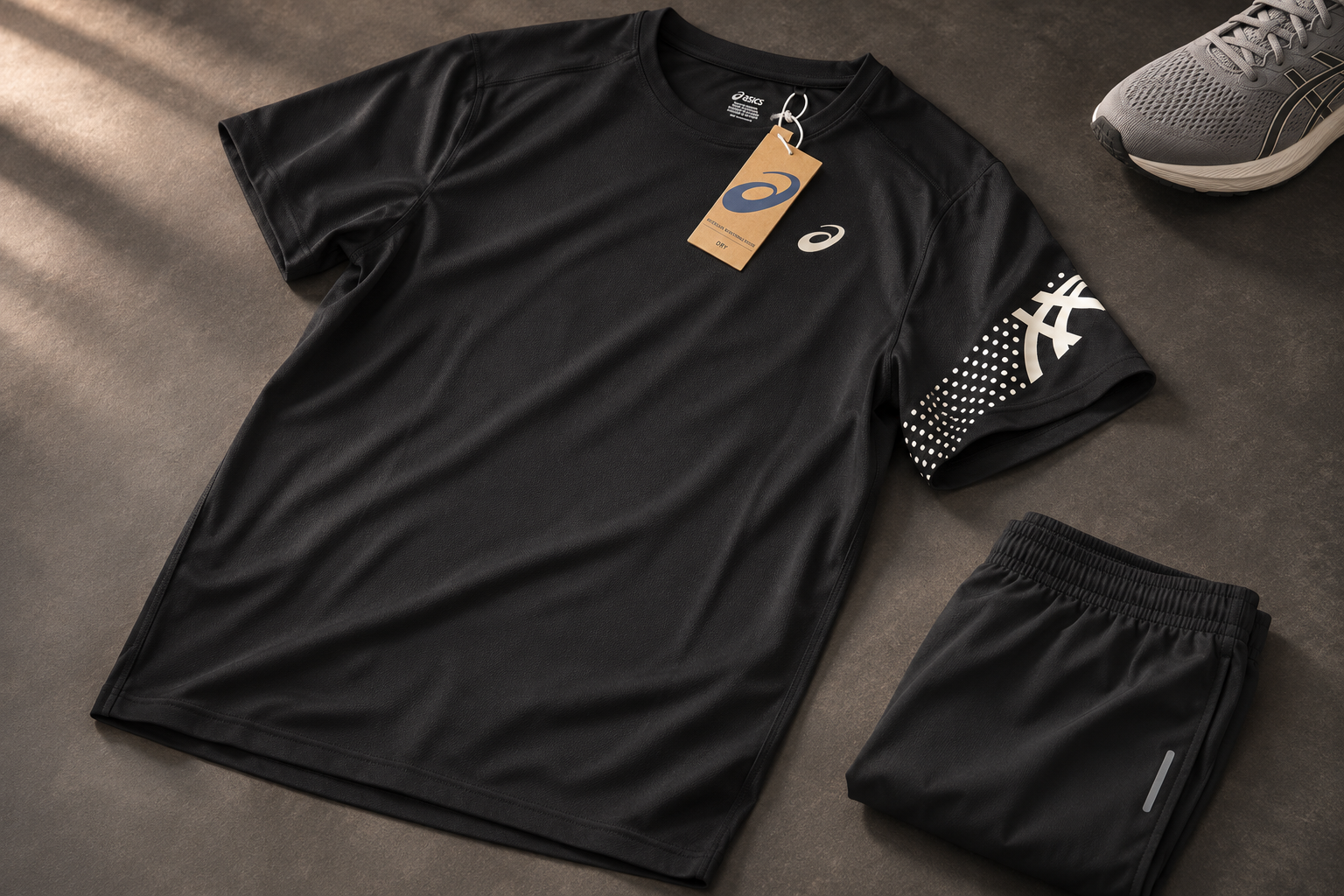
Define the Single Decision for Coupon Eligibility If you're about to check out Cartier watches or related items on fashion-reps, the real question isn't "where can I find a discount code that looks valid," but rather: does the current offer apply to this specific product, and can it actually reduce the amount at the final checkout page. After completing this check, you should be able to decide whether to claim and use it, proceed to chec
Editor score 4.2 / 5
Define the Single Decision for Coupon Eligibility
If you're about to check out Cartier watches or related items on fashion-reps, the real question isn't "where can I find a discount code that looks valid," but rather: does the current offer apply to this specific product, and can it actually reduce the amount at the final checkout page. After completing this check, you should be able to decide whether to claim and use it, proceed to checkout, or hold off on the order. If the page lacks current official promotion details, code, validity period, and applicable conditions, you cannot treat search results, old screenshots, or others' experiences as an available discount.
This article does not provide codes that haven't been confirmed by current official sources, nor guarantee that any product can be discounted. Prices, inventory, service fees, international shipping, taxes, and promotion status may change. The following verification method should be based on what you see on the page on the day you check out. 🧾
Record the Product Page, Specific Variant, Visible Price, and Checkout Currency
First, open the target product page and record the following information:
- Product name and brand identification
- Product category, confirming whether it's a watch, accessory, or other Cartier-style item
- Color, size, strap, or other specific variant
- The product price displayed on the page
- The currency used on the page
- Whether the product is in a promotional, clearance, pre-sale, or special event status
- The currently selected shopping agent platform
fashion-reps product pages show a reference price, but the page also indicates that the final product price, service fee, and international shipping need to be confirmed on the selected shopping agent's website. Therefore, the product page price cannot directly equal the total payment amount, nor can it alone prove that the coupon can be used.

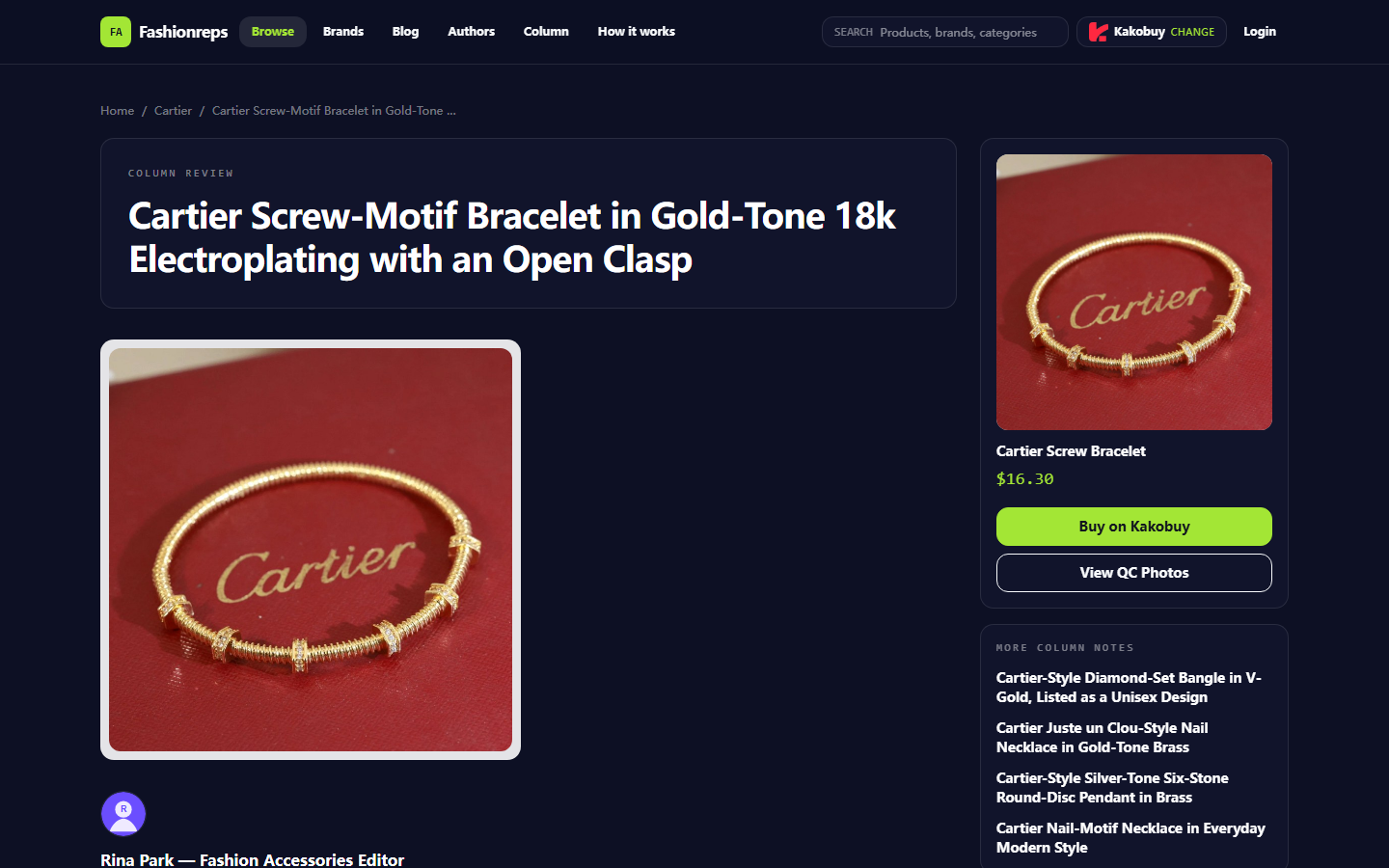
Caption: This image illustrates where to check the product page and shopping agent entry; it does not imply that the Cartier product shown is eligible for any current coupon.
It's recommended to record the product page and cart amounts separately. Coupons may only apply to the product amount, or may exclude service fees, international shipping, insurance, taxes, or other additional items. If the page does not clearly state the basis for calculating the discount, confirm with the shopping agent before checkout.
Find Currently Visible Coupon Details and Claim Entry
Only use official entry points that can be opened and verified in the current purchase process. Prioritize checking:
- The shopping agent's official website coupon center or campaign page
- Available discounts shown in the cart or checkout page
- Unexpired coupons clearly listed in your account
- Official campaign pages that specify applicable platform, region, time, and product scope
If a coupon only appears in third-party posts, old images, search snippets, or inaccessible pages, mark it as "to be verified" rather than applying it directly. Pay special attention to the page's publication date and the coupon's validity period; old campaign names may still be retained by search engines, but that doesn't mean the campaign is still active. 🔎
fashion-reps pages themselves display product listings and the shopping agent selection process. If the current product page does not clearly publish a code, discount amount, applicable time, or official claim entry, you can only record the coupon status as "unconfirmed," and cannot estimate savings based on the reference price.
Check Minimum Amount, Validity Period, Usage Limits, and Account Conditions
After finding the official coupon details, copy the conditions from the original page item by item; don't just save the discount percentage. At least check the following fields:
| Check Field | What to Confirm | Handling if Unconfirmed |
|---|---|---|
| Minimum amount | Whether calculated on product amount, order amount, or amount including service fees | Don't assume the reference price meets the threshold |
| Validity period | Start time, end time, and time zone used | Use the page status at checkout |
| Usage limit | Limit per account, per order, or per user | Check if the account has already used it |
| Account conditions | New user, specified region, login status, or invitation eligibility | Don't count expected savings if conditions are unmet |
| Platform | Whether limited to a specific shopping agent or payment channel | Confirm the current selected platform matches |
The minimum amount is especially easy to misinterpret. For example, the page may require the product amount to reach a certain value, but service fees and shipping do not count toward the threshold; or it may require a single order to reach the threshold, not cumulative across multiple orders. Unless official terms explicitly allow accumulation, do not combine different orders for calculation.
Check Brand, Watch Category, Variant, or Payment Method Exclusions
Even if a coupon shows as claimable, it doesn't mean a Cartier watch is necessarily eligible. Continue checking exclusion conditions:
- Brand exclusion: whether Cartier or other luxury brands are excluded
- Category exclusion: whether watches, jewelry, accessories, or high-value items are excluded
- Product status exclusion: whether promotional items, sale items, clearance items, or pre-order items are excluded
- Variant exclusion: certain colors, sizes, straps, or stock batches may be individually restricted
- Agent exclusion: whether the coupon only works for a specific shopping agent
- Payment exclusion: whether restricted to certain bank cards, e-wallets, balance, or other payment methods
- Region exclusion: whether the delivery country or region is not within the campaign scope
The presence of "Cartier" in the product name does not automatically indicate that the product is related to the genuine brand's supply chain. For materials, brand attribution, inventory, and after-sales conditions, rely on verifiable information from the current product page and agent platform. Don't infer product authenticity, quality, or after-sales guarantee just because a discount exists. ⚠️
If the official page does not explicitly state that "Cartier watches are eligible" or does not provide clear brand and category rules, record the result as "unconfirmed," rather than interpreting "sitewide" as meaning no exclusions.
Reconfirm That the Coupon Remains Valid in the Cart and Final Checkout Page
Coupon verification should be done at least at three points:
- When claiming or entering the coupon, confirm the system shows success, and record the coupon name, face value, or discount method.
- After adding to cart, confirm the target product is still counted in the discount scope, and the discount amount has been deducted from the appropriate fee items.
- After entering the final checkout page, recheck the product, variant, quantity, service fee, shipping, tax, payment method, and total amount due.
Only if the final checkout page still shows a valid discount can you consider the coupon usable for this order. If the discount appears in the cart but disappears at checkout, it usually means product eligibility, order threshold, agent platform, account conditions, or payment conditions have changed. In that case, save the page state, recheck the rules, and don't pay based solely on the cart amount.
Also check whether the coupon changes other fees. A discount reducing the product amount does not necessarily reduce service fees, international shipping, or destination country taxes. The final amount due must be based on the checkout page; don't treat the coupon face value as net savings. 💳
Create a To-Be-Verified List When There's No Current Official Coupon Info
If you can't find verifiable official codes or discount terms at the moment, you can create a brief record:
- Product page: recorded or pending
- Specific variant: confirmed or pending
- Reference price: note currency and page date
- Shopping agent: selected or pending
- Official coupon entry: found or not found
- Code and face value: leave blank if unconfirmed
- Minimum amount: leave blank if unconfirmed
- Validity period: leave blank if unconfirmed
- Brand or watch category exclusions: confirmed, not found, or unknown
- Checkout discount: mark as unverified
- Final amount due: record after entering checkout
Such a record is more reliable than filling in a speculative discount percentage, and it's easier to recheck when the campaign page updates. Without current official data, don't provide estimated savings, and don't buy unnecessary items just to reach a threshold.
Decide to Claim, Proceed to Checkout, or Hold Off Based on Evidence
You can make a decision based on the following outcomes:
- Claim and use: official entry is accessible, product and variant are not excluded, account conditions are met, and the final checkout page shows the discount.
- Continue verifying: coupon entry exists, but minimum amount, brand scope, watch category, or payment conditions are still unclear.
- Hold off on the order: the code comes from old material or a third party, the official page cannot verify it, or the final checkout page does not show the discount.
Actual savings should be calculated by comparing pre- and post-discount amounts on the same basis, and clarify whether only the product amount is reduced. Risks of this approach include the coupon becoming invalid, additional fees remaining unchanged, buying unnecessary items to reach a threshold, and changes in shipping or taxes due to order amount changes. Suitable for buyers willing to check pages item by item and accept that coupons may change at any time; not suitable for those who rely on discounts as proof of authenticity, quality, or after-sales guarantee.
If the coupon cannot be stably displayed on the final checkout page, it's not advisable to continue paying for a so-called "limited-time offer." First save the necessary records from the product page, cart, and checkout page, remove unconfirmed savings, and then decide whether to proceed. ✅
Nadia Vermeer is Editor-in-Chief at Kakobuytop, running the testing desk, writing agent workflow guides and signing off every score. Nadia personally opens roughly half the parcels that reach the desk, while running its seven-step sequence and maintaining each parcel's master file. Order timestamps, agent replies, QC images, line choice, tracking logs, delivered weight and the score sheet form that record. Every received item is compared with full-size warehouse QC photos before scoring; listing photographs alone do not qualify a product for a score, and articles are held until the parcel arrives.