Introduction Before submitting a phone case order, the most important thing to confirm is not whether the page opens, but whether the product link, once entered into the agent, still matches your original selections for phone model, color, and other variants. If any of these are lost, altered, or conflict, the subsequent order may not accurately reflect your purchase intent. Currently verifiable page evidence only shows that the brand page has product filtering and purchase platform selection
Editor score 4.2 / 5
Introduction
Before submitting a phone case order, the most important thing to confirm is not whether the page opens, but whether the product link, once entered into the agent, still matches your original selections for phone model, color, and other variants. If any of these are lost, altered, or conflict, the subsequent order may not accurately reflect your purchase intent.
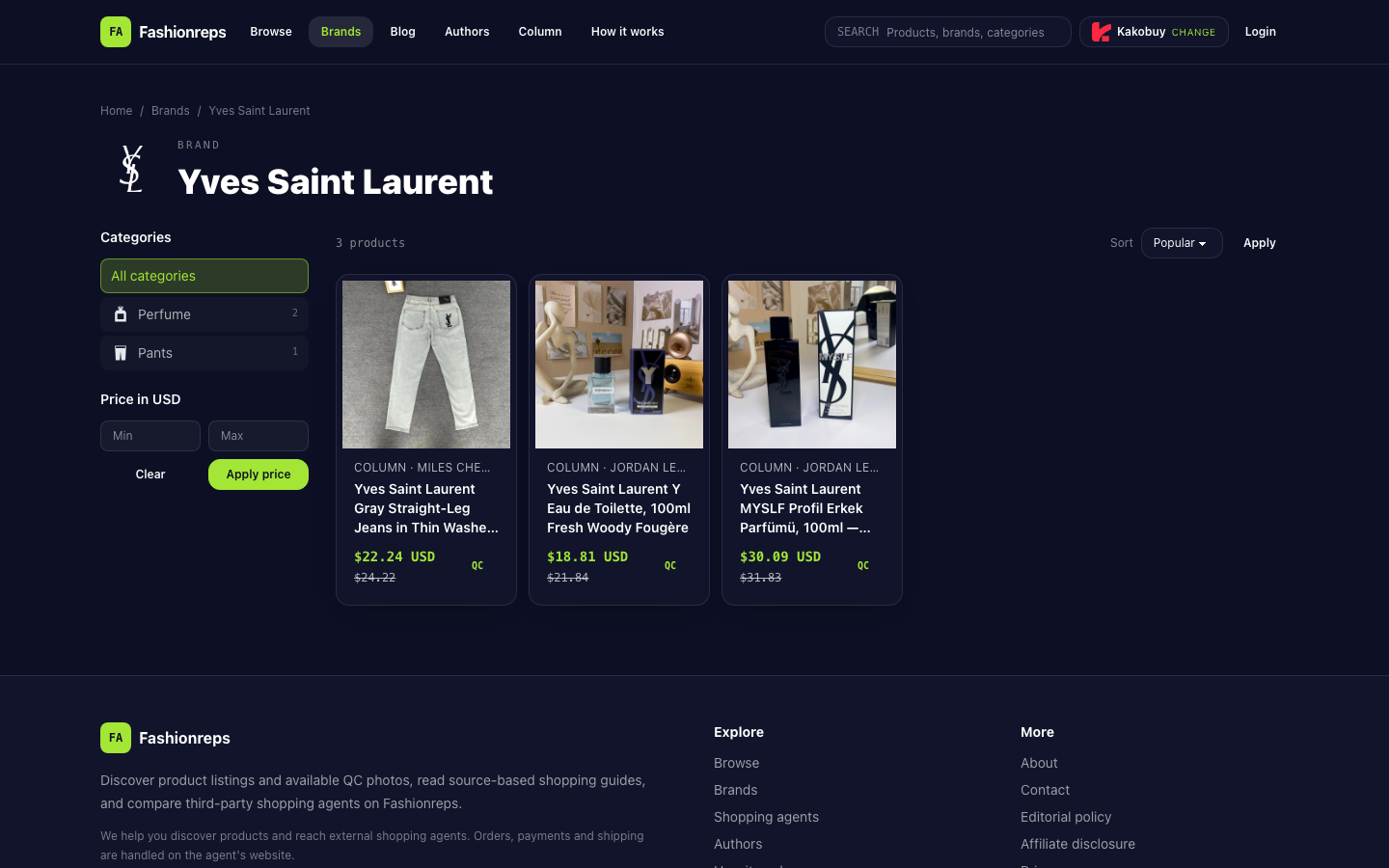
Currently verifiable page evidence only shows that the brand page has product filtering and purchase platform selection. It does not provide the specific phone model, color variants, agent order preview, or customer service handling records for the target phone case. Therefore, this article provides a pre-order verification method and clarifies what still needs to be confirmed with the platform.
First, verify the original product page
Before submitting the link, record the key fields from the original product page one by one:
- Product link and current page status
- Compatible phone brand and specific model
- Color, pattern, or other variant names
- Whether the page updates images, title, or specifications after selecting a variant
- Whether multiple similar models exist, especially standard, Pro, Max, Plus differences
- Whether the page provides copyable specification text or variant codes
Don't just save the main product image. If color or model is selected via dropdown menus, buttons, or specification tables, also keep screenshots or text records after selection. That way, if the agent's recognition is incomplete, you can ask clear questions with the original information.
Then verify the agent submission result
On the Kakobuy page, only proceed with payment when the link recognition result and subsequent order information preserve your original selections. Check in this order:
- After pasting the original product link, confirm the system-recognized product title or description still points to the same page.
- Check whether the page displays phone model, color, and other selectable variants.
- If variant selection exists, compare each item against the original product page; don't guess based on thumbnails or default options.
- Before entering submission or payment preview, check whether order title, notes, and variant information remain consistent.
- If the interface does not show a key field, pause payment and ask customer service how that field will be passed to the buyer.
Existing evidence does not show specific field names, button positions, order preview styles, or variant saving mechanisms on Kakobuy's official page. Therefore, you cannot assert that a feature exists, nor treat common workflows of other shopping agents as Kakobuy's official process.
What to do when field conflicts are found
The following situations should all be considered incomplete verification:
- The original page has a specific model, but the agent result only shows "phone case" or a generic category
- The original page has a selected color, but the agent page shows a default color or no color
- Product title, image, and specification text point to different options
- The variant name in the order preview does not match the original page
- Customer service only confirms "can purchase" without confirming how model and color will be recorded in the order
- The link opens, but page status, product content, or options have changed
When contacting support, your question should be specific, for example: "Please confirm which phone model and color will be recorded in the order after this link is submitted; if the page does not show variants, what information will the buyer use to select when purchasing?" Also attach the original page link, selected model, selected color, and screenshot numbers, rather than just sending "please help confirm".
Page facts, items to confirm, and editorial judgment
| Item | Currently confirmable | Not yet confirmed |
|---|---|---|
| Original product page | Brand page shows product filtering and purchase platform entry | Specific phone model, color, and variant status of target phone case |
| Kakobuy submission | Platform specified as the subject of operational instructions | Specific recognition fields, variant preservation method, and payment preview fields |
| Order support | Verification should be done through support channels when conflicts arise | Specific customer service entry, response time, and handling results |
These limitations mean that currently we cannot confirm the target phone case has been correctly mapped for you, nor claim that Kakobuy, LitBuy, or USFans have the same field preservation results for this product. Without corresponding official pages or order screenshots, cross-platform comparison remains unverified.
Three-step decision before ordering
You can categorize the final decision into three outcomes:
Proceed with submission: Both the original page and agent page clearly show the same model, color, and other key variants, and the order preview has no conflicts.
Submit after further verification: The link is recognized, but a key field is missing; customer service has clearly explained how that field will be recorded, and you can keep the text reply or screenshot.
Pause payment: Model or color cannot be confirmed, order preview is inconsistent with the original page, or the platform cannot explain what information the buyer will use to select variants.
In the third case, re-pasting the link or resubmitting repeatedly does not prove the field has been corrected. A safer approach is to first obtain a clear order mapping explanation, then decide whether to pay.
Article image

Nadia Vermeer is Editor-in-Chief at Kakobuytop, running the testing desk, writing agent workflow guides and signing off every score. Nadia personally opens roughly half the parcels that reach the desk, while running its seven-step sequence and maintaining each parcel's master file. Order timestamps, agent replies, QC images, line choice, tracking logs, delivered weight and the score sheet form that record. Every received item is compared with full-size warehouse QC photos before scoring; listing photographs alone do not qualify a product for a score, and articles are held until the parcel arrives.